
myClerkBook
Smart BOOKKEEPING for modern professionals.
What it is
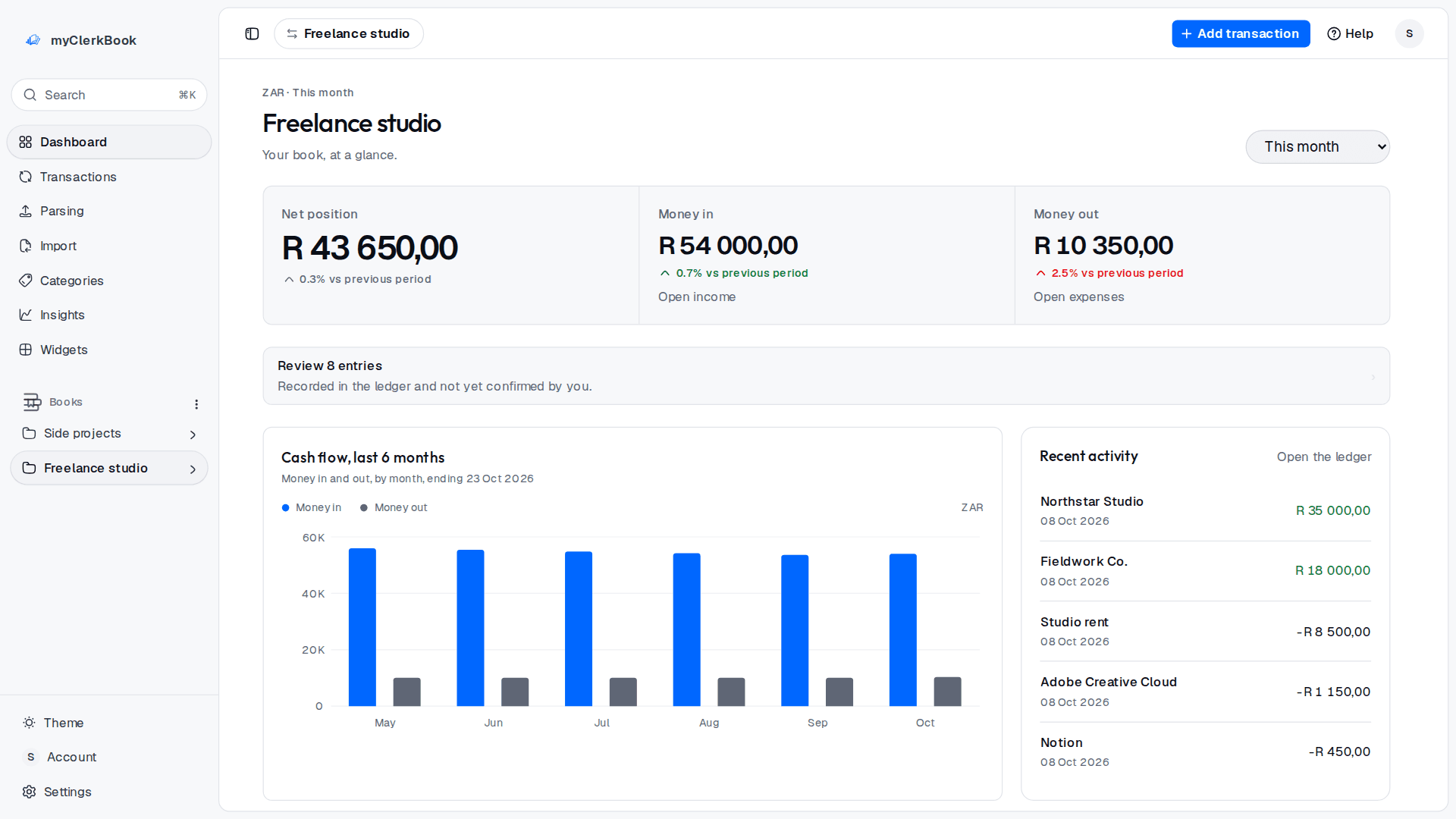
myClerkBook is a private book of account for freelancers, founders and small businesses. Photograph a receipt or upload a statement, review the entries it suggests, and decide what belongs in the book. Every amount keeps the currency it arrived in.
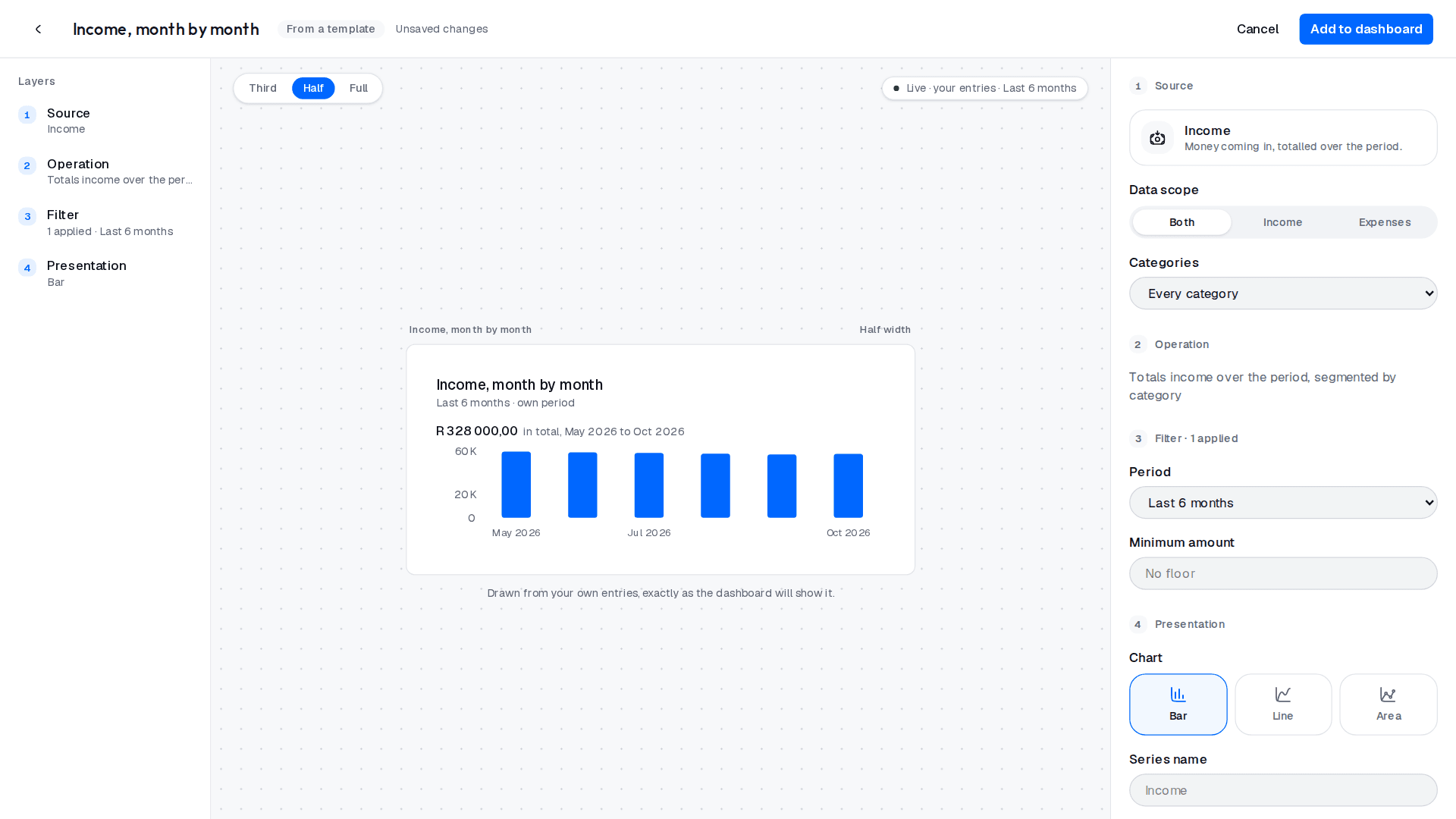
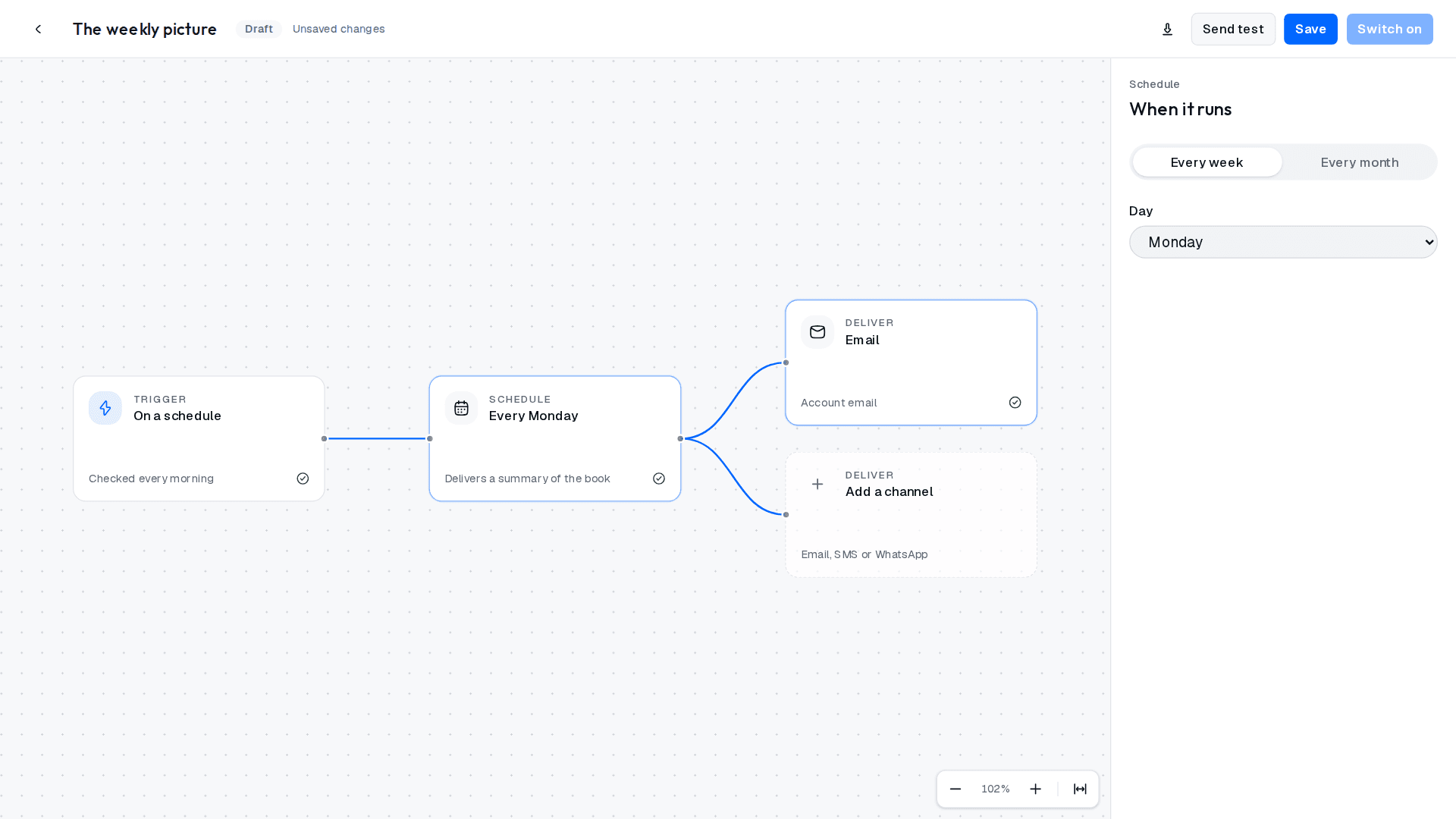
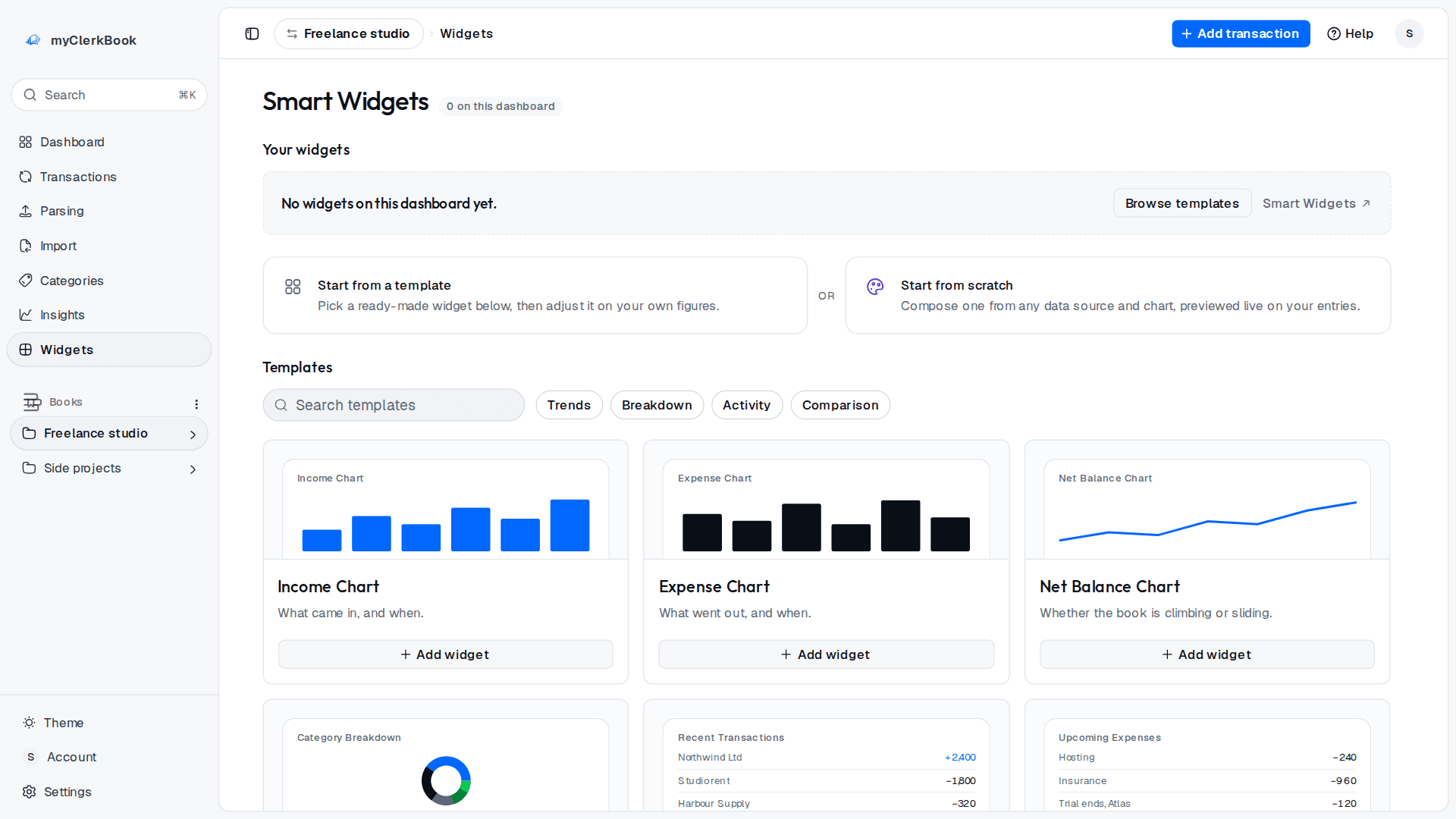
Inside the book are categories, recurring entries, a dashboard, widgets composed from your own figures, scheduled insights and shared books with a change history. Statements arrive as files you export yourself; there is no bank connection, by design.
It is Miiso's primary business, and the one he keeps and grows.
What it’s for
For freelancers, founders and small businesses who want receipts and statements turned into records they review, organise and understand, in every currency they work in.
Receipts without retyping
Photograph or upload a receipt and confirm the fields it reads, each shown with a confidence score.
Statements you already have
Import a statement exported from your bank and review its lines before any becomes an entry.
Every currency you earn in
Keep income and costs in their original currencies; Premium converts across 166 of them daily.
Books shared with care
Invite someone to a book with permissions set for that book, and see who changed what.
- Status
- Live in production
- Plans
- Basic $5 a month · Premium $10 a month, 7 days free
- Platform
- Web, installable to phone and desktop
- Currencies
- 166, converted daily on Premium
- Privacy
- Book-level permissions and review before saving
- Topics
- Fintech · Productivity · Privacy · Accounting · Small business · Freelancers
How it’s made
No bank door to leave open
No bank connection and no aggregator. Statements come in as files you export yourself.
Parsing you confirm
Uploads, photos and receipts become suggested entries with a confidence score on every field. Nothing enters the ledger until you approve it.
Your details stay out of the prompt
Before document text reaches a model, a privacy step removes the account holder's own email, account and card numbers, phone number and name. Vendors stay, because they are the data.
Privacy held by the database
Row-level rules decide who can read a book, not application code that could carry a bug.
Checked on every release
Each release passes typecheck, lint, unit and browser tests before it merges, and is checked again on production after it ships.
Disclaimer
- AI-suggested entries need your review before they are saved. Documents and extraction drafts waiting for review are stored until you deal with them.
- There is no bank connection; you upload only the documents you choose to share.
- Images and PDFs reach the AI model as they are. Text documents have the account holder's own details removed first.
- myClerkBook keeps records. It does not give tax, legal or accounting advice, and it does not file returns.
Support
Write to miisodev@gmail.com about your account, billing, or an entry that was read wrongly. Include the book and the entry, never a password.